Affordable Web Design for Small Business: What You Actually Get at Each Price Point
September 24, 2026 · Faizan Azhar
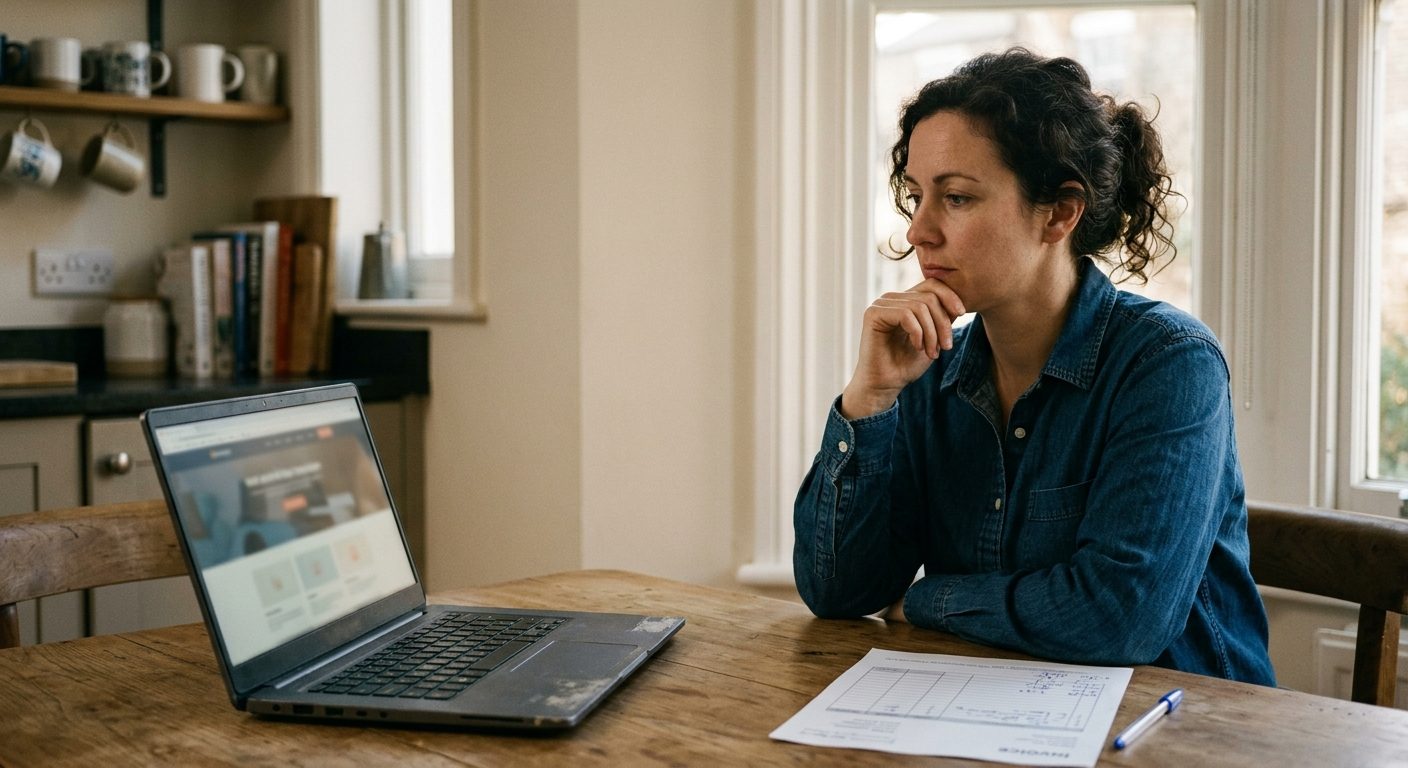
"Affordable web design" means something different depending on who you ask, and that gap is exactly why so many small business owners end up either overpaying for something a template could have handled, or underpaying for a business that actually needed more structure than a drag-and-drop builder could provide. Here is what you actually get at each real price tier, so you can pick the right one instead of guessing.
Table of Contents
- Why Price Alone Is the Wrong First Question
- Tier 1: DIY Template Builders (Free to $30/month)
- Tier 2: Freelancer-Built Sites ($500–$3,000)
- Tier 3: Small Agency Builds ($3,000–$10,000)
- Tier 4: Custom Development ($10,000+)
- How to Actually Pick the Right Tier
- When a Cheap Site Costs You More Later
Why Price Alone Is the Wrong First Question
Every price tier below can be the right answer for the right business, and the wrong answer for the wrong one. A single-location service business with a simple offer does not need a five-figure custom build, and a fast-scaling eCommerce brand cannot run indefinitely on a free template that was never built to handle real product catalog complexity or checkout customization.
The better question is not "what's the cheapest option," it is "what does my business actually need functionally, and which tier delivers that without paying for capability I won't use." Price should follow function, not the other way around.

Tier 1: DIY Template Builders (Free to $30/month)
Platforms like Squarespace, Wix, and Shopify's basic tiers let you build a functional site yourself using pre-built templates. What you get: a live, mobile-responsive site, basic SEO fields, and enough customization to reflect your brand colors and fonts if you have already defined them.
What you do not get: true design differentiation, since you are working within a template's existing structure, and you are the one doing the labor, which is a real cost even if no invoice reflects it. This tier makes the most sense for a genuinely early-stage business validating an idea, or a simple service business whose site's main job is to look credible and list contact information.
Tier 2: Freelancer-Built Sites ($500–$3,000)
A freelancer working within a template platform or a lightweight custom framework can deliver a more polished, brand-specific result than most owners can build themselves, without the overhead of an agency. What you get: real design input, faster turnaround than DIY, and someone who can handle the technical setup you might not want to learn yourself.
The variance in this tier is wide. Quality depends entirely on the individual, and there is no shared process or QA layer behind their work the way there is with a small team. This tier fits businesses with a defined budget and a relatively contained scope, a single site, a handful of pages, no complex integrations.
Tier 3: Small Agency Builds ($3,000–$10,000)
At this tier you are paying for a small team instead of one person: someone handling design, someone handling build, sometimes someone handling copy or SEO structure. What you get: a genuinely custom design rather than a template adaptation, stronger technical foundation for SEO and site speed, and continuity if one team member is unavailable.
This tier is where most growing small businesses land once a DIY or freelancer site starts showing its limits, slow load times, a design that no longer reflects the business, or a structure that cannot support new pages or products cleanly. It is a meaningful jump in cost from Tier 2, but it usually reflects a meaningful jump in what the site can actually do and how it performs.
Tier 4: Custom Development ($10,000+)
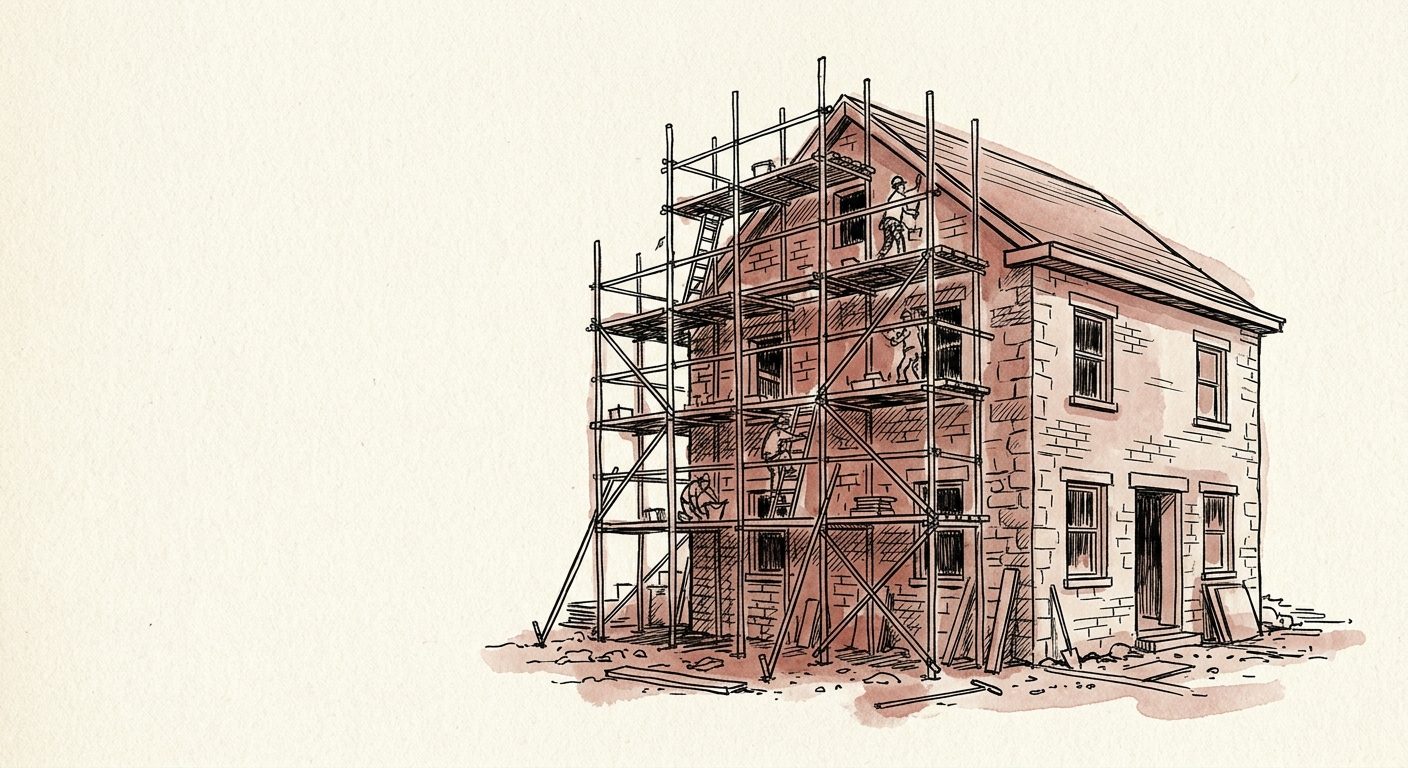
Full custom development, built from scratch rather than adapted from a template or theme, makes sense for businesses with complex functional requirements: custom booking systems, non-standard eCommerce logic, integrations with internal tools, or performance demands a templated build genuinely cannot meet.
Most small businesses do not need this tier, and paying for it before you actually have the complexity to justify it is one of the more common overspends in small business web design. This tier earns its cost when the functional requirements are real, not when the business simply wants to look more established.
How to Actually Pick the Right Tier
Start by listing your actual functional requirements, not your aspirational ones. A booking calendar, product variants, multi-location pages, a blog you will actually update, each of these is a real requirement that should push you toward a higher tier. A simple, credible presence with contact information and a service list does not require that same investment.
When a Cheap Site Costs You More Later
The hidden cost of the cheapest tier is not always visible upfront. A DIY template that cannot scale with your product catalog, or that loads slowly enough to hurt both conversion and SEO rankings, often gets rebuilt within a year or two anyway, meaning the "affordable" choice ends up costing twice: once now, and once again on the rebuild.
This is the exact gap between DIY and Tier 3 that Odessys works in, taking a small business past the point where a template can keep up and building a real site and brand identity that does not need to be rebuilt again in twelve months. If your business has outgrown what a template can do but a five-figure custom build still feels like more than you need, that middle tier is worth a real conversation before defaulting to another quick fix.

Frequently asked questions
What is the most affordable option that still looks professional?+
A DIY template builder with your colors, fonts, and voice already defined ahead of time can look genuinely professional for an early-stage or simple service business, especially compared to a template used without that groundwork done first.
How do I know if I have outgrown a DIY or freelancer site?+
Common signals include slow load times, a design that no longer reflects your current offer, difficulty adding new pages or products cleanly, or a site that is actively hurting conversion or search visibility rather than helping it.
Is a more expensive website always a better investment?+
No. The right tier matches your actual functional requirements. Paying for custom development you do not need is as much of a mistake as staying on a DIY template past the point it can support your business.
How long does a small agency website build typically take?+
Most small agency builds run four to eight weeks depending on page count, content readiness, and any integrations required, compared to a matter of days for a DIY template.
When is it worth talking to an agency like Odessys instead of hiring a freelancer?+
Once your needs span more than a single contained project, ongoing design consistency, SEO structure, and ongoing support alongside the initial build, a small agency's team structure tends to hold up better than a single freelancer over time.
Tags
More from the blog

Brand Identity for Small Business: Where to Start When You Have No Budget
You do not need a design agency or a five-figure budget to build a real brand identity. Here is exactly where to start, in order, with zero dollars to spend.
Read →

SEO Agency vs. Freelancer: What Small Businesses Should Actually Compare
Most small businesses compare SEO agencies and freelancers on price alone. Here is what actually separates them, and how to pick the right one for your stage.
Read →

How Much Does a Fractional COO Actually Cost in 2026? (US/UK/UAE/AU Breakdown)
Fractional COO pricing varies widely by model, market, and scope. Here is a real breakdown of what businesses actually pay in the US, UK, UAE, and Australia in 2026.
Read →
Hiring?
I get messy projects delivered.
Implementation and delivery for SaaS and eCommerce teams. Have a look at my resume.
Download resume