

Table of Contents
ToggleThe Offshore Scaling Problem
Hiring offshore can save you a ton.
But if you don’t have the right team management tools and processes in place, it’s just as easy to create a bigger mess—just across time zones.
Over the last few years, I’ve helped DTC brands scale using lean offshore teams. I’ve made mistakes (read: Slack chaos, ghosted tasks, timezone whiplash) — and refined a system that works.
This post breaks down exactly what I use and how I use it.
Why You Need Systems, Not Supervision
Here’s the truth:
You don’t scale offshore teams by managing harder — you scale by managing smarter.
The key?
- Build systems that:
- Minimize meetings
- Maximize clarity
Keep everyone accountable without babysitting
And that starts with the right team management tools — tailored for async, remote collaboration.
The Core Tech Stack I Use to Manage Offshore Teams
Here’s the exact toolkit I rely on:
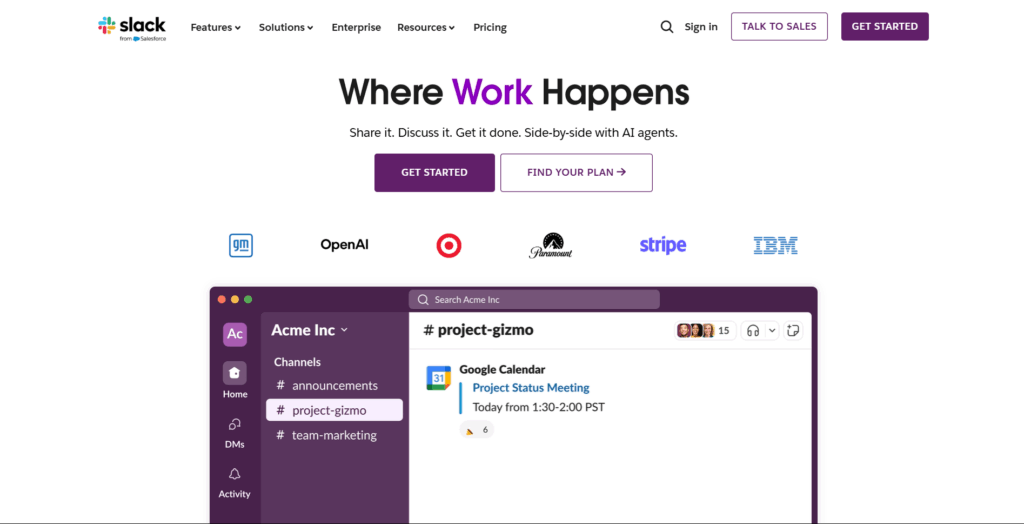
- Channels for every team: #design, #dev, #marketing
- Threaded convos = no lost info
- Integrated with Loom & ClickUp
- Keyword: Team management tools must include clean comms, and Slack is the hub.
- SOPs in video format
- Daily async check-ins
- Client updates without calls
- Helps eliminate timezone lag
- Part of my top 3 team management tools.
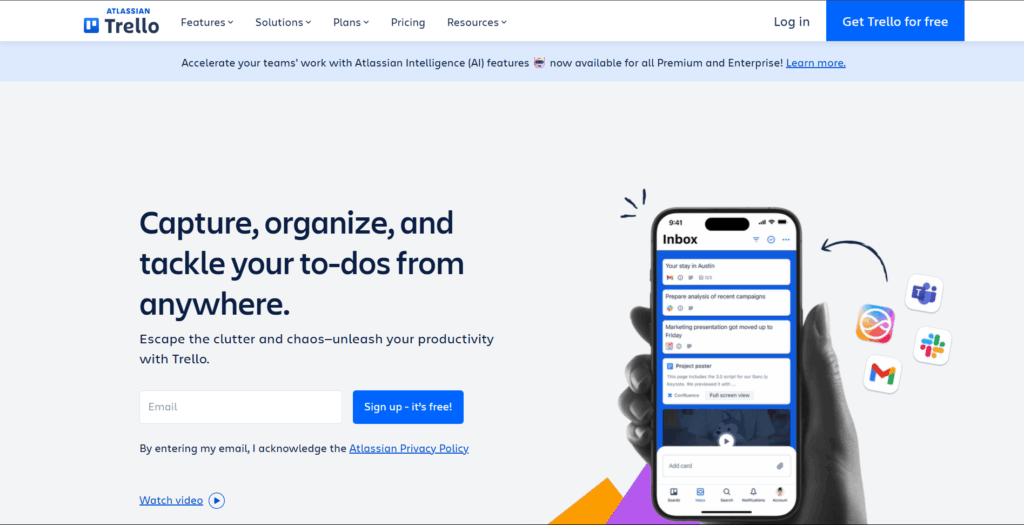
- Visual task boards that make sense instantly
- Columns by stage: To Do, Doing, Done
- Lightweight and great for lean remote teams
- Easy tagging, deadlines, and progress tracking
- Paired with Slack and Loom for a tight feedback loop
Trello is ideal if you’re starting to scale and don’t want the bloat of complex PM tools.
- Each role gets its own dashboard
- SOP library = single source of truth
- Used with Loom for onboarding and training
- A must-have in any team management tools stack
- Folder structure by team & client
- Docs for briefs, campaigns, FAQs
- Keeps content & comms in sync
- Used only for roles where time matters (e.g., hourly devs)
- Helps compare output to hours, but not micromanage
- Use sparingly — tools should enable trust, not surveillance
My Process: How I Run Remote Teams Without Chaos
Tools only work if your processes are solid.
Here’s my weekly workflow across all teams:
Monday: Planning
- Weekly priority check-ins posted in Trello
- Loom video updates from me or leadership
- Team reviews & confirms their assigned cards
Tuesday–Thursday: Execution
- Slack used async — only for blockers
- No meetings unless absolutely necessary
- Optional Loom updates for context-heavy tasks
Friday: Review & Report
- Weekly wrap-up Looms
- Cards moved & commented in Trello
- “What I did / What’s next” recap posted by team
The goal: minimize live calls and maximize clear output.
Real Talk: What Doesn’t Work
Let’s kill some common myths:
- Using WhatsApp as a PM tool? Recipe for chaos.
- Daily Zoom standups? Burnout and timezone issues.
- Micromanaging via Slack? Disrupts flow and kills trust.
I’ve tested dozens of team management tools. If it doesn’t support async execution, it won’t scale.
Bonus Tips: Making Tools Actually Work
Here’s how to get the most out of your stack:
- Assign owners for each tool. One person owns Trello. One owns Notion.
- Create SOPs for your tools. Show new hires how to use Slack, Trello, etc.
- Clean up weekly. Archive old Trello cards, close unused channels.
- Use Loom before Zoom. Video updates beat live calls 9/10 times.
Your team management tools are only as good as how you use them.
Final Thoughts: Tools Are Only Half the Equation
You could copy-paste my entire tool stack and still feel stuck — if your process is messy.
The combo that works?
✔ The right team management tools
✔ A repeatable, async-friendly system
✔ A culture of clarity, not chaos
If you want help setting up your offshore team with the exact stack and structure I use—that’s literally what I do.
